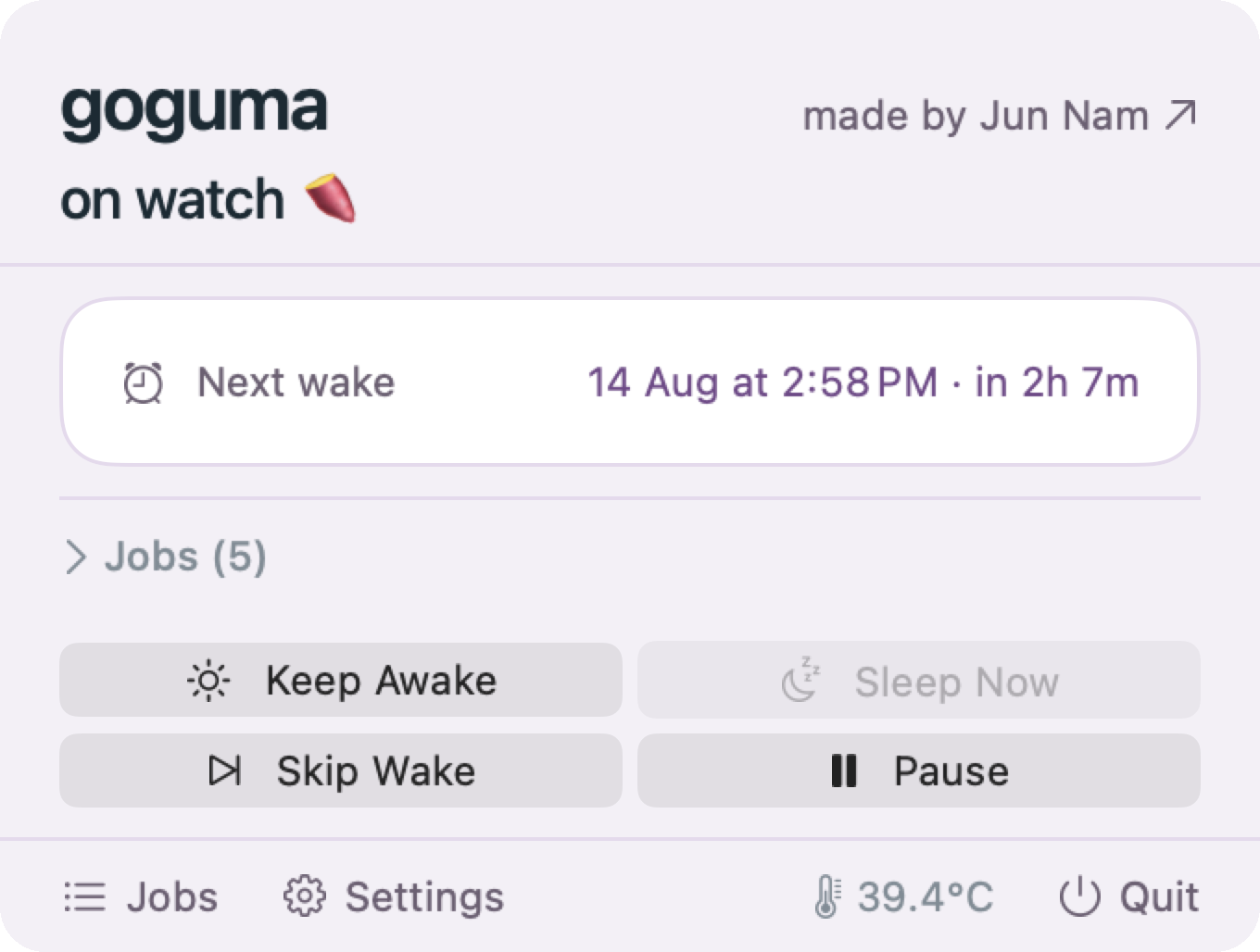
goguma




 Sat 8 Aug 09:41
goguma
Sat 8 Aug 09:41
Sat 8 Aug 09:41
goguma
Sat 8 Aug 09:41
Claude, Codex, hermes, crontab, launchd, whatever else you run. It reads them all and knows when to wake for each one.
Install
macOS 26, and a password prompt for the root helper. Or download the app, which carries the same tools inside it.
How it works
It reads the schedule already on the machine, wakes a moment before each job, holds sleep off until that job finishes, then lets go.
Every line of goguma is open source on GitHub.
Wakes the machine 90 seconds before a job is due, blocks sleep while it runs, lets go when it's done.
No. Your existing scheduler still fires them. Running a second one would just mean everything executes twice.
caffeinate?No. caffeinate stops a Mac sleeping, so you have to leave it running all night for a 3am job. goguma lets it sleep and wakes it at 2:58.
A small helper does, and only because macOS lets nobody but root schedule a wake or keep a closed lid awake.
It can do exactly two things: set the wake time, and hold sleep off. It cannot read your jobs, your files, or anything else, because it is never told about them. Everything else runs as you. --no-helper installs without it, and lid-closed jobs stop working.
No. There's no account, nothing phones home, and nothing to opt out of.
Only while a job is running. Holds expire on their own ceiling, five minutes by default, so a job that hangs can't pin the machine open all night.
It lets go. Above 80°C or below 10% battery, every hold is dropped and the Mac sleeps normally.
It also won't wake for a job it can't afford, measured against what that job has actually been costing.